Activity heatmap
See whether the walking habit is actually sticking across the week.
 Paceora
 Paceora for macOS
Paceora keeps treadmill control, reminders, history, and shortcuts inside the Mac workflow where desk walking actually happens.
History
Track your steps, distance, and streaks with a built-in activity log.
Active 5 days
Distance activity across the selected range
See whether the walking habit is actually sticking across the week.
Review steps, distance, and duration without bouncing between apps.
Zoom out to month and year views when you want the broader pattern.
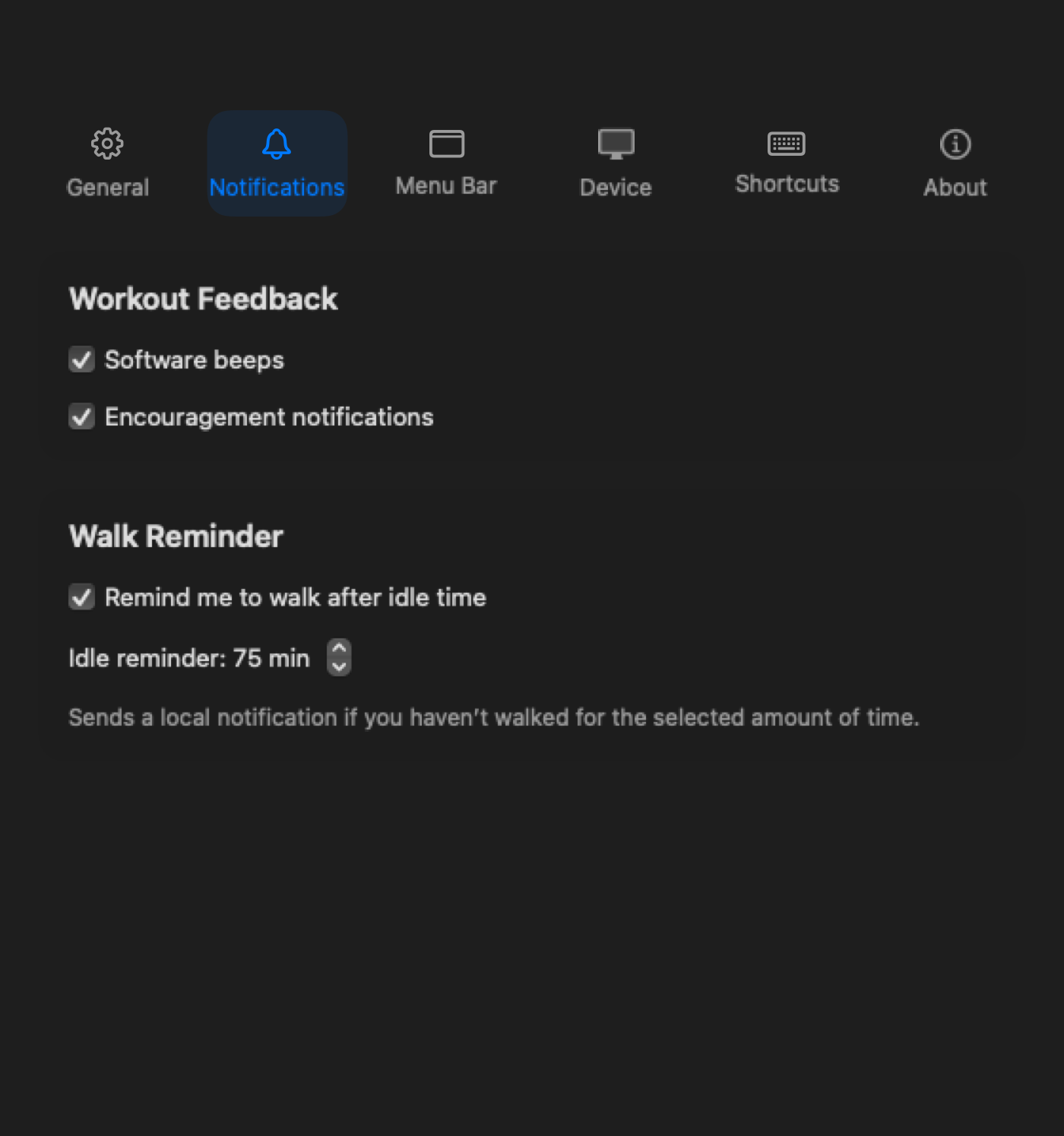
Walk Reminder
Been sitting too long? Paceora sends a quiet notification to get you moving again.
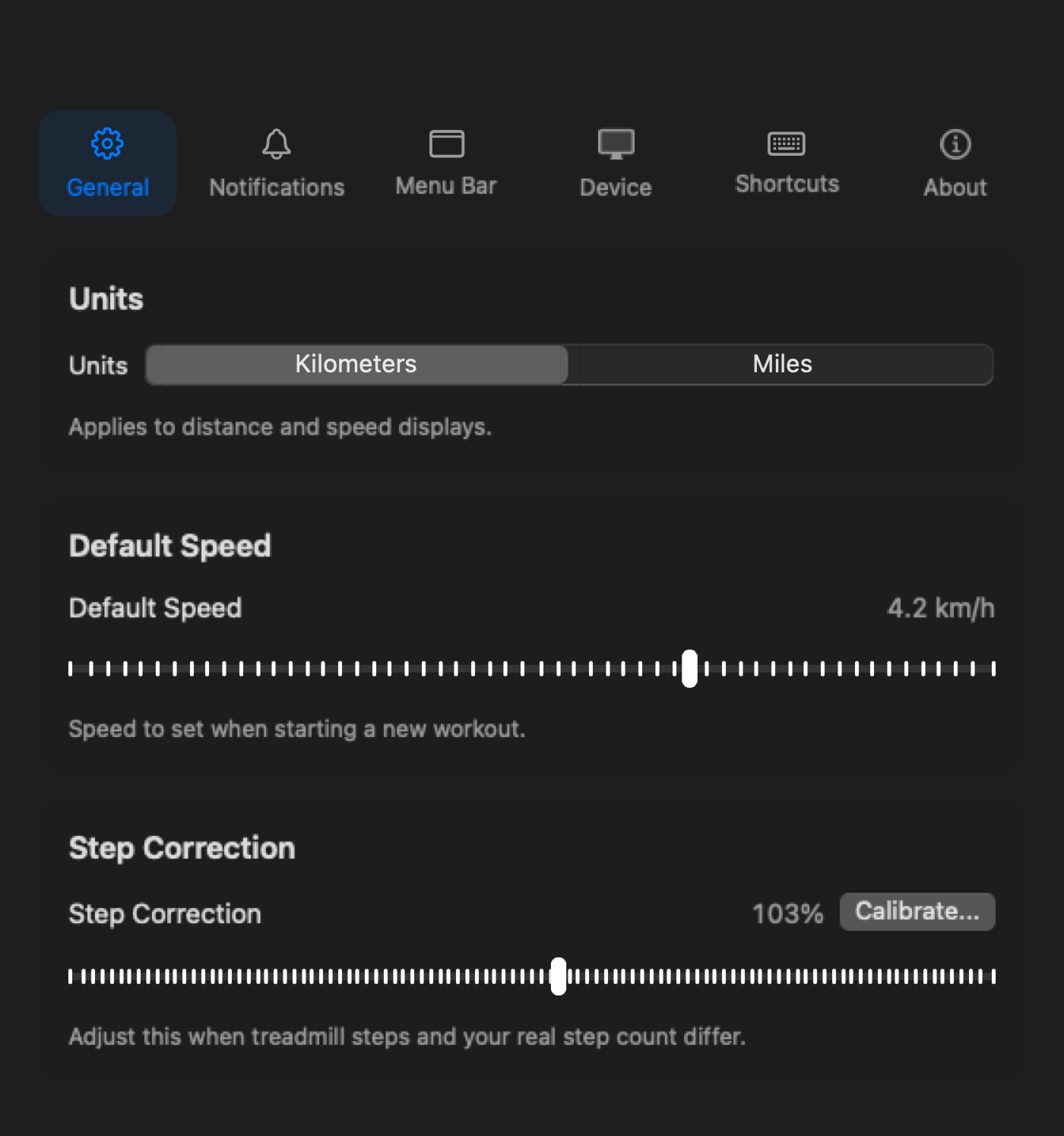
Settings
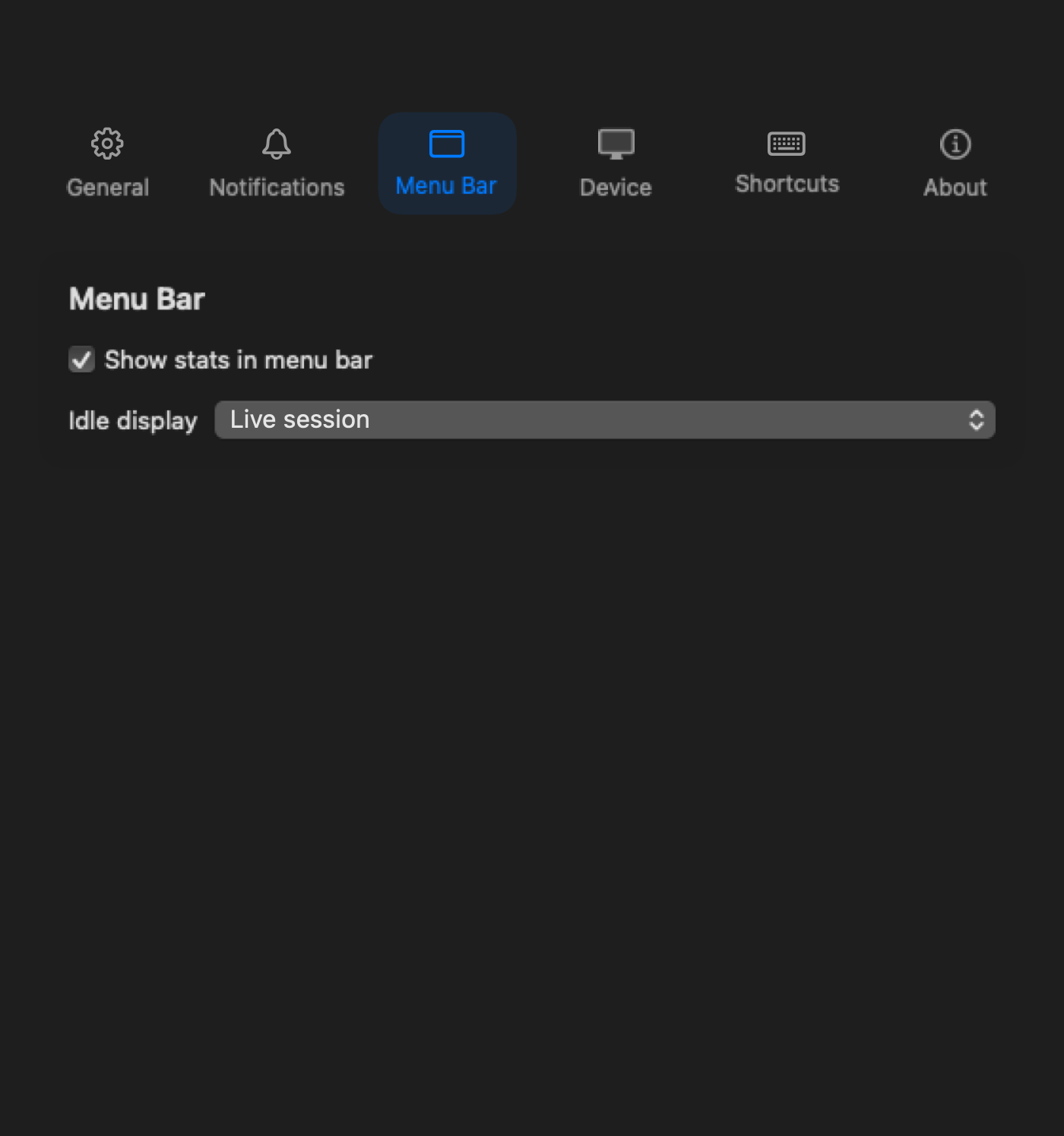
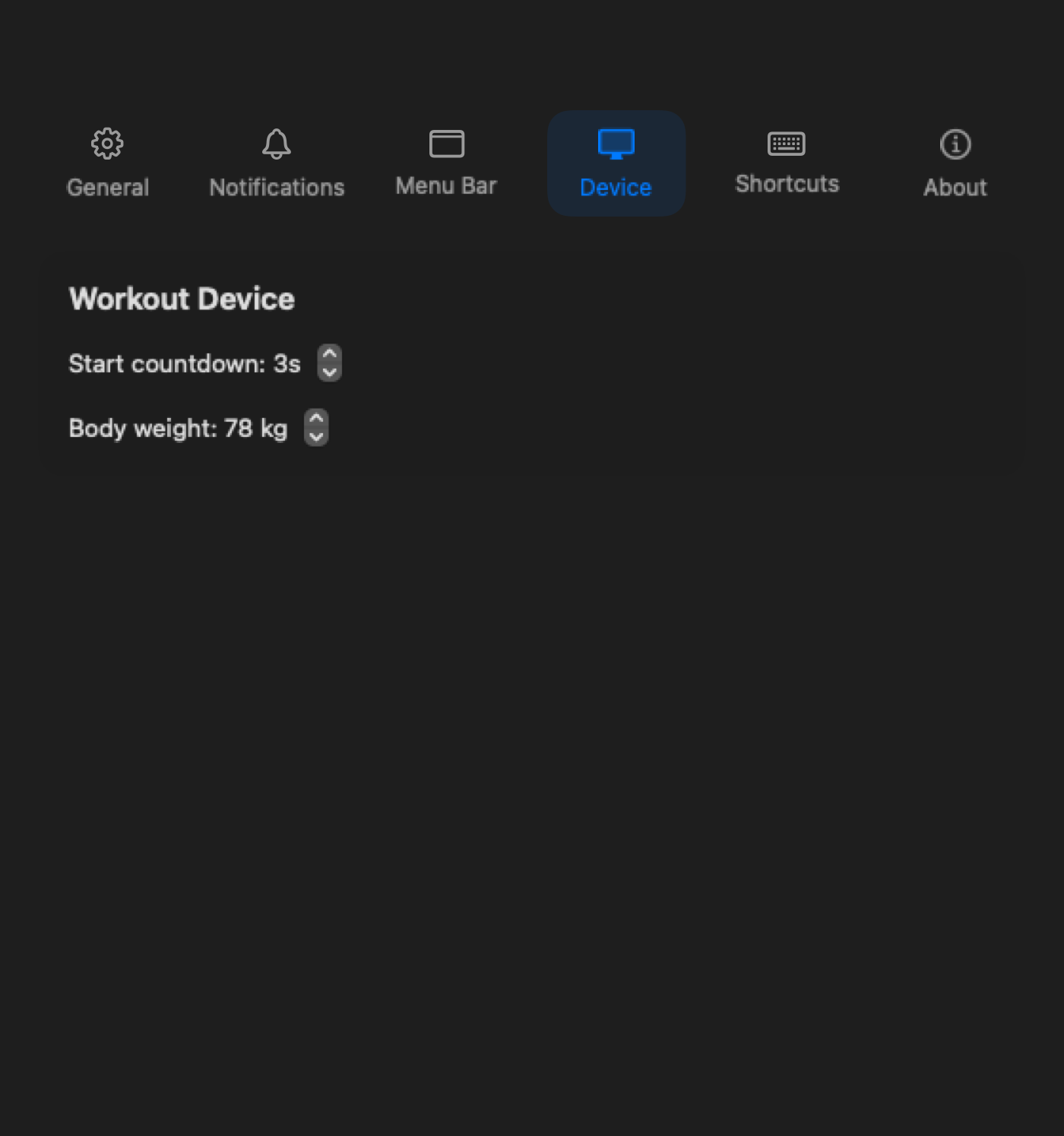
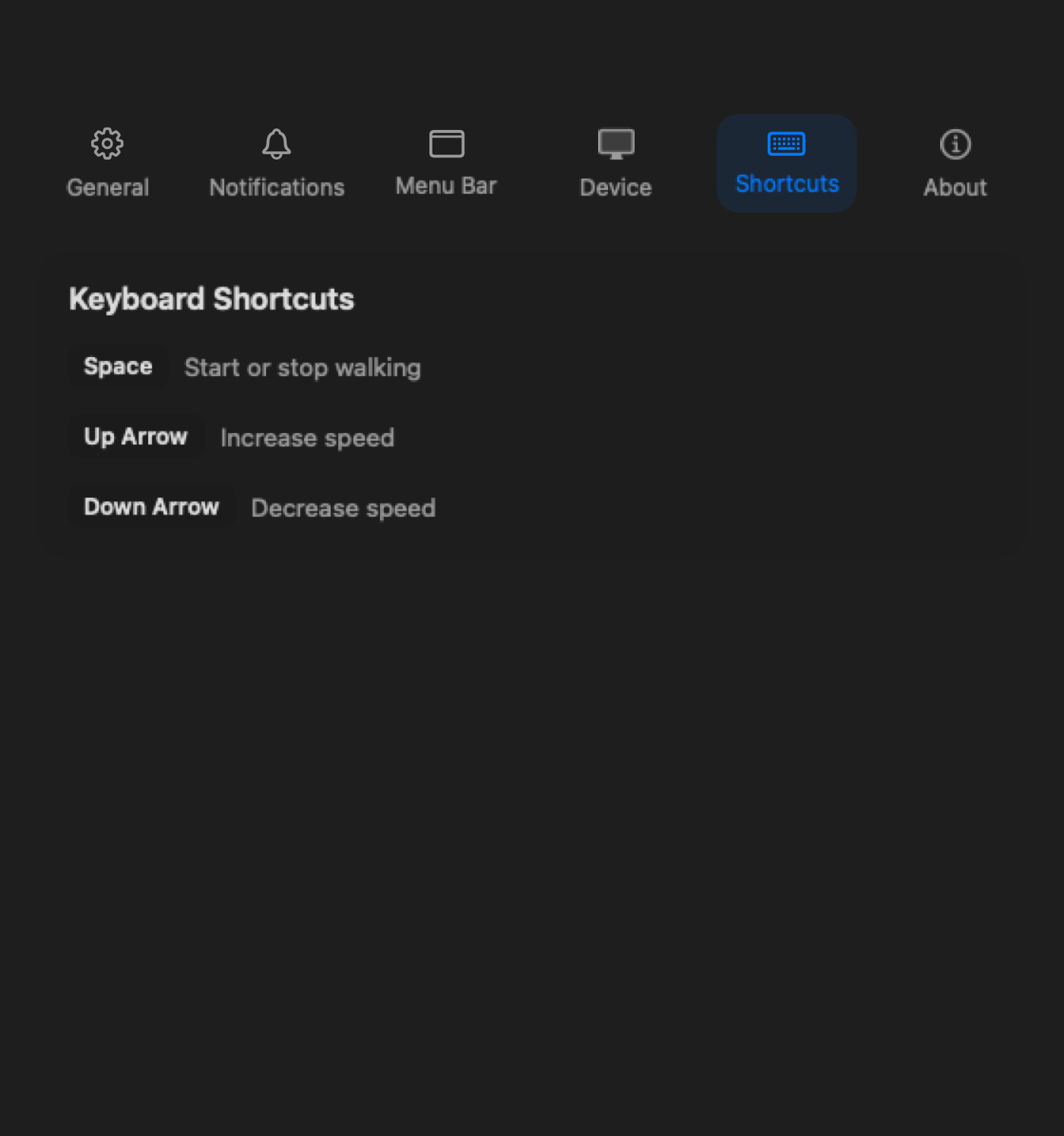
Units, reminders, shortcuts, and display — everything has a place.
FAQ
Paceora is free to download. Some features may require a one-time purchase.
For daily desk use, yes. Paceora gives you start/stop, speed control, history, and reminders right from your Mac. You may still want KS Fit for firmware updates.
Yes, but a standing desk makes the experience much better. Walking while sitting is not really the idea.