Work style guide

Best WalkingPad for video editors

Video editing has two modes: precise timeline work (sit down) and review/rough cut work (walk-friendly). The treadmill serves the second mode.

Focus High Typing Low Calls Low Sessions Fragmented days

This page includes affiliate links. If you buy through them, Paceora may earn a commission at no extra cost to you.

Why walking helps video editors

Reviewing rough cuts, watching exports, planning edits, and client feedback review all work while walking. The change in posture helps editors maintain focus during long review sessions.

When to stop walking

Precise timeline editing, color grading, and audio mixing. Any work requiring frame-accurate mouse control should be done stationary.

What matters most for video editors

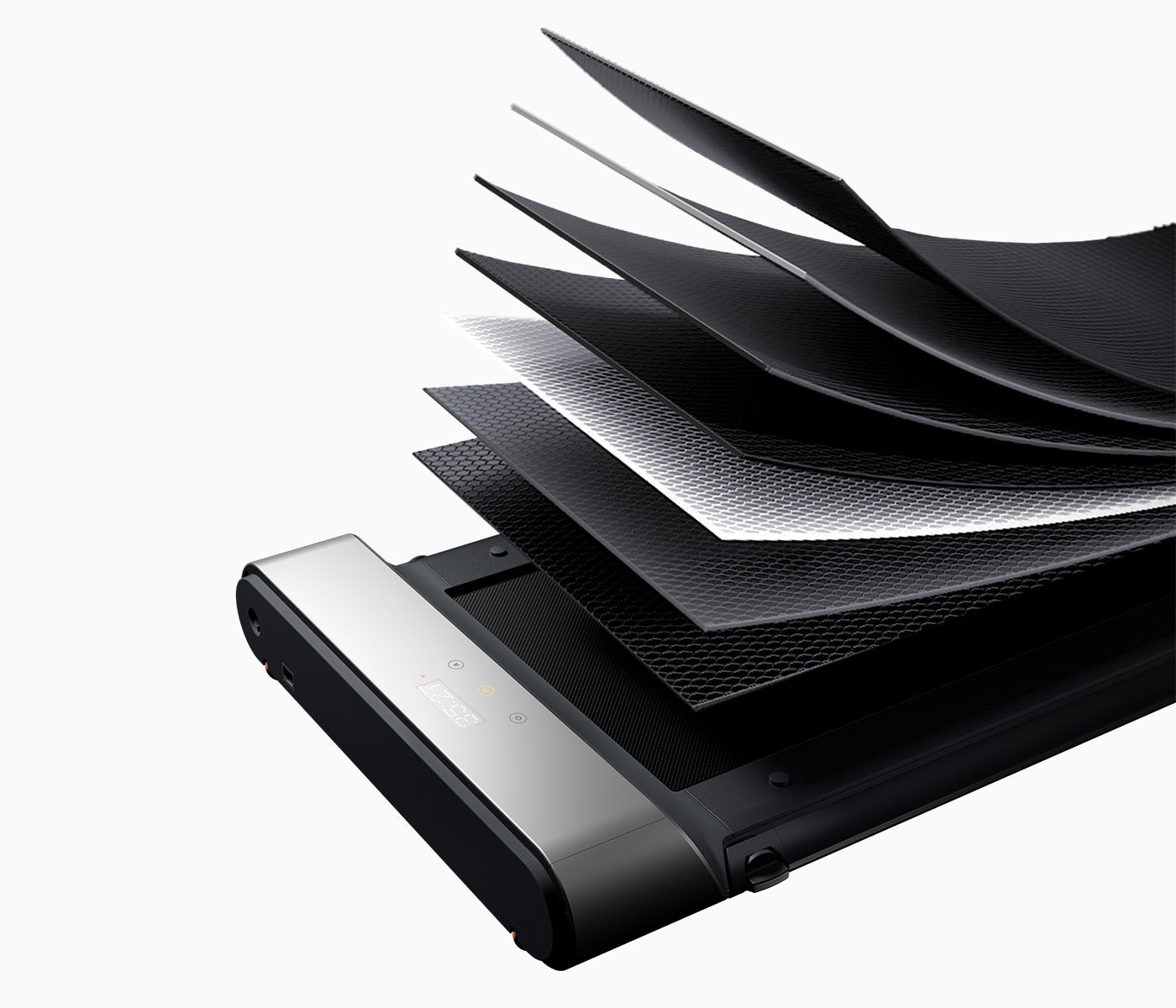
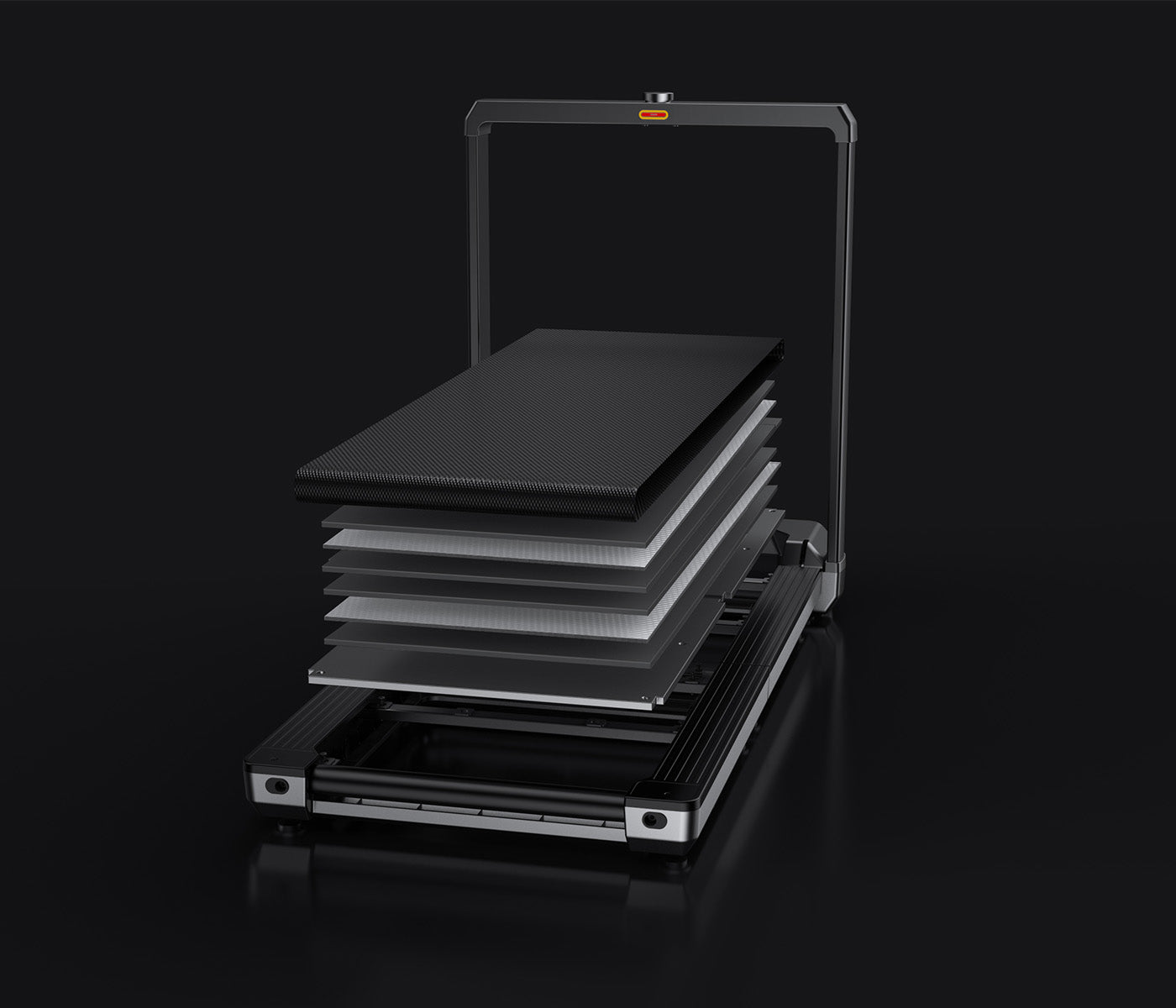
Stability and quiet operation. Video editors working on audio need a silent treadmill. And since review sessions can stretch long, deck comfort matters.
Model rankings for video editors

Why Paceora matters for video editors

Video editors can't afford to leave their editing timeline to fiddle with a phone. Paceora keeps speed control in the Mac menu bar, right next to Final Cut or Premiere.

Model comparisons

Buyer guides

Other work styles

FAQ

Questions people usually have

Can I edit video while walking?

Review and rough cut work, yes. Precision timeline editing, color grading, and audio mixing, no.

Find the right WalkingPad for video editors

Start with the hardware, then add Mac-native control with Paceora.